Home › CV Maker: Resume Builder PDF
Build your resume as a PDF on your phone
Pick a template, fill in your details once, and share your CV by email or download it, ready to send with any job application.
What it includes
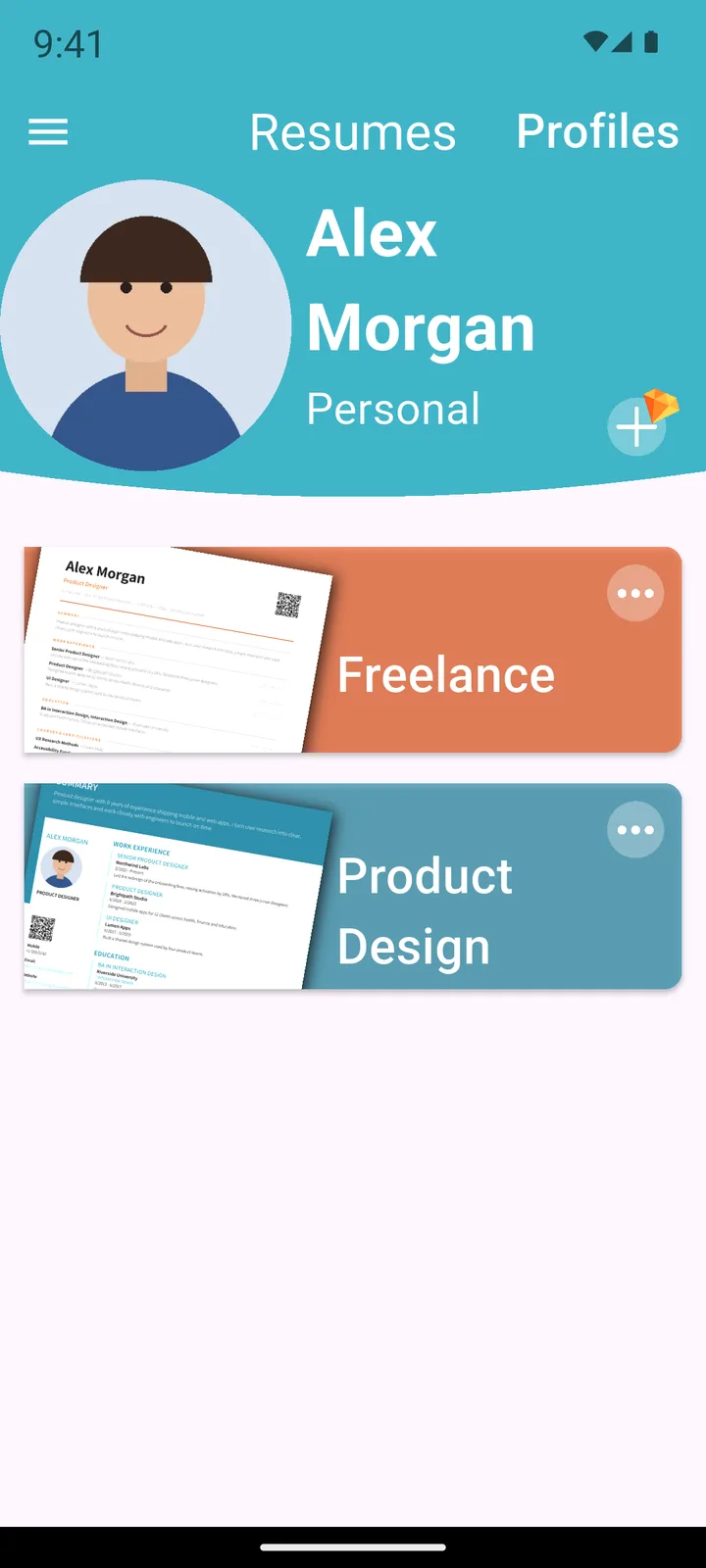
- Multiple CVsDuplicate a resume and tailor it to each job without retyping everything.
- Multiple profilesCreate and keep CVs for different people or different career goals.
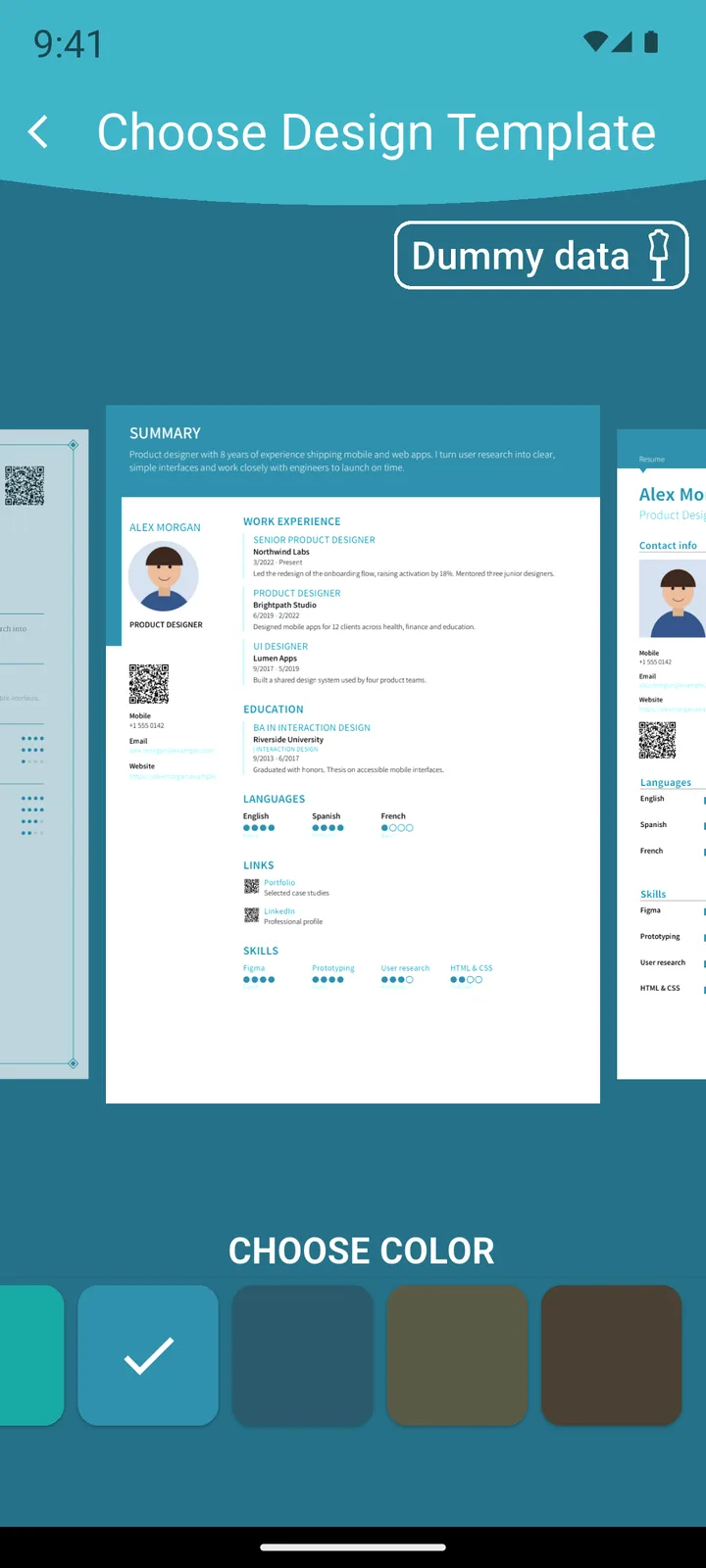
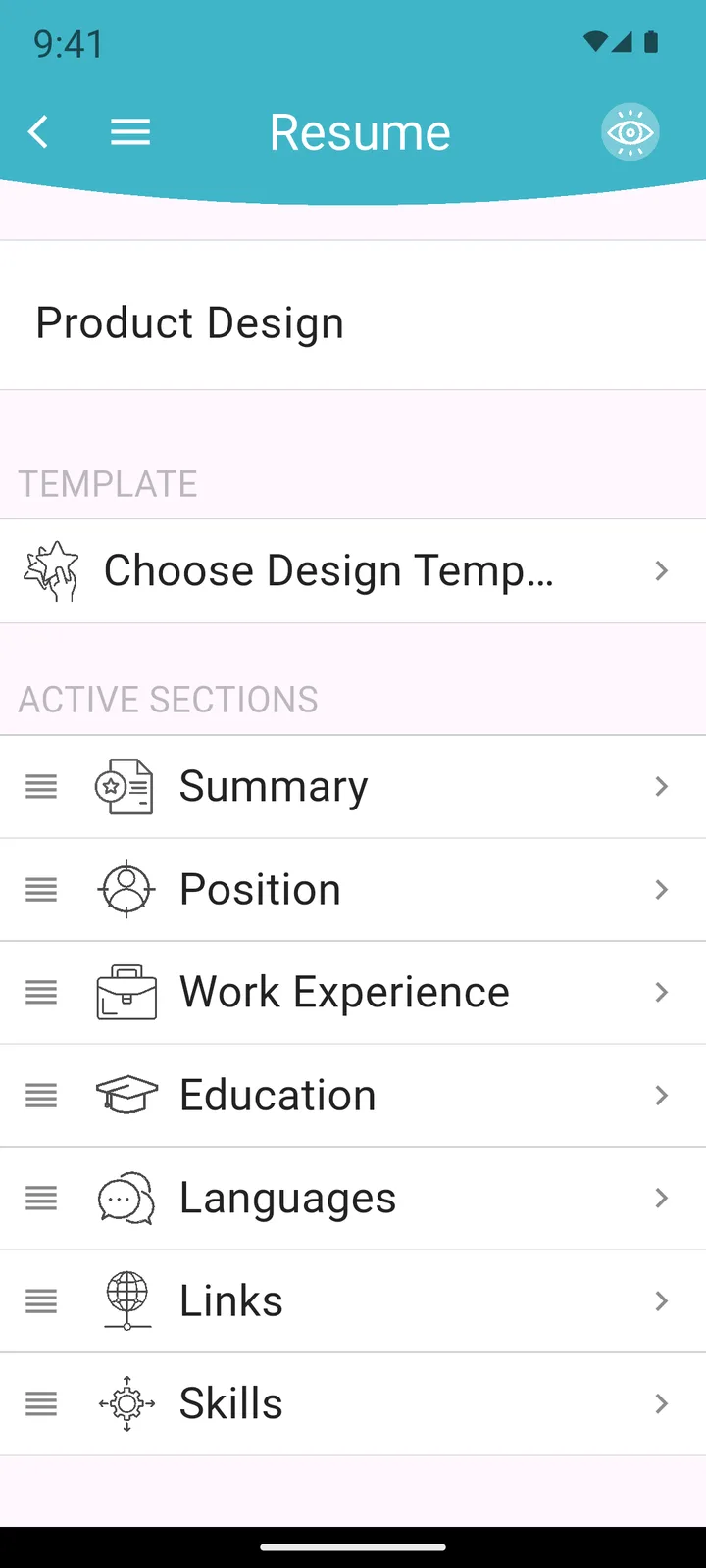
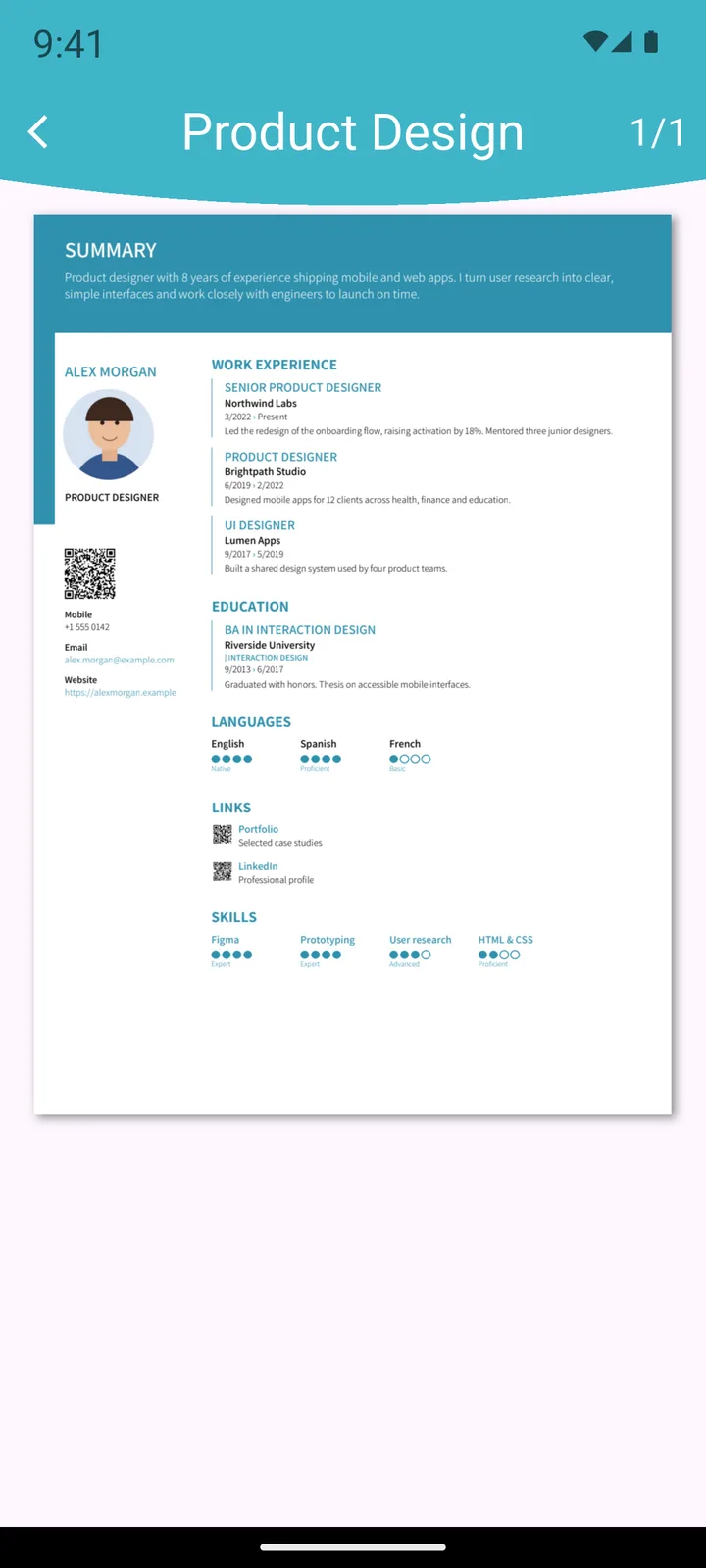
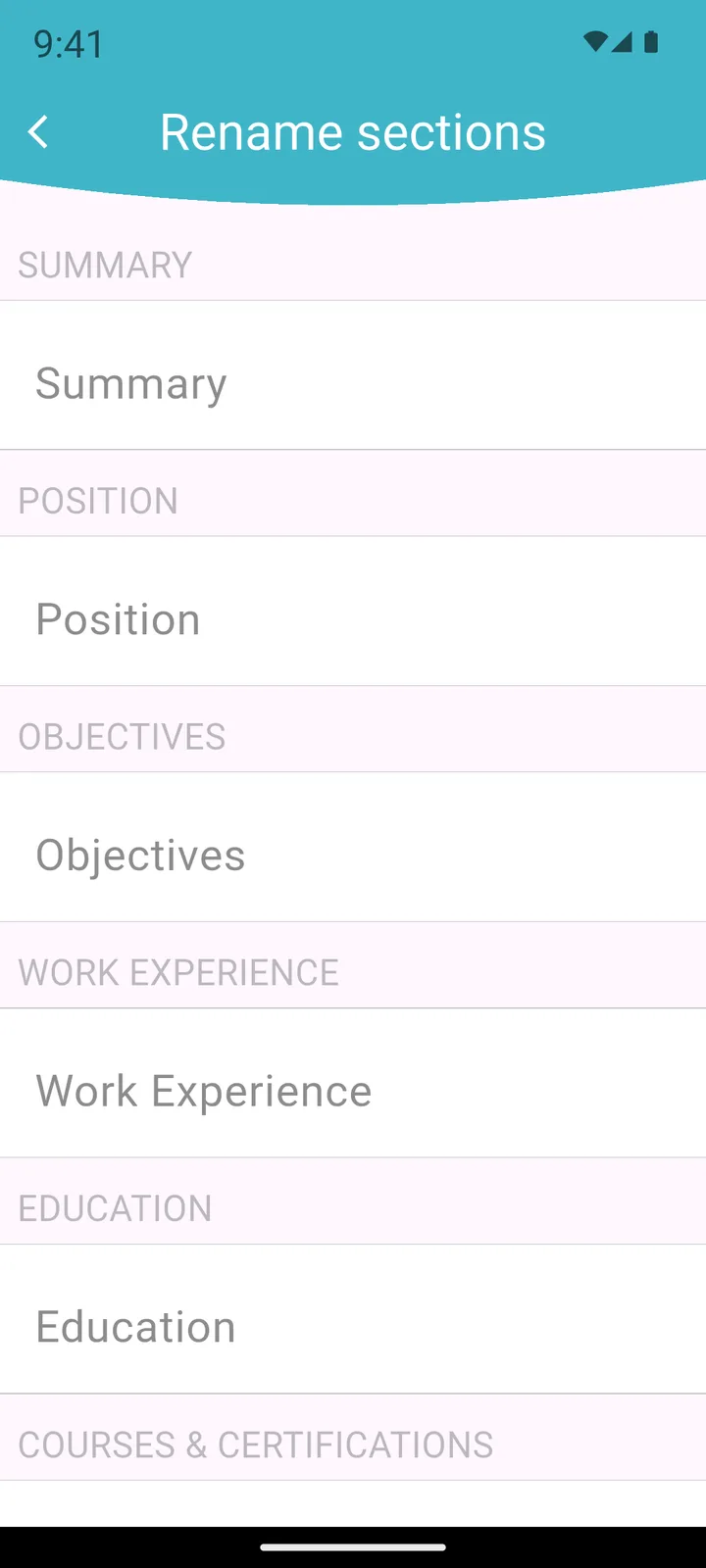
- Customizable templatesChange the main color, reorder the sections and rename them.
- Photo with croppingTake a photo with the camera or pick one from the gallery and crop it.
- QR code and vCardShare your contact details and links with a QR code or a vCard.
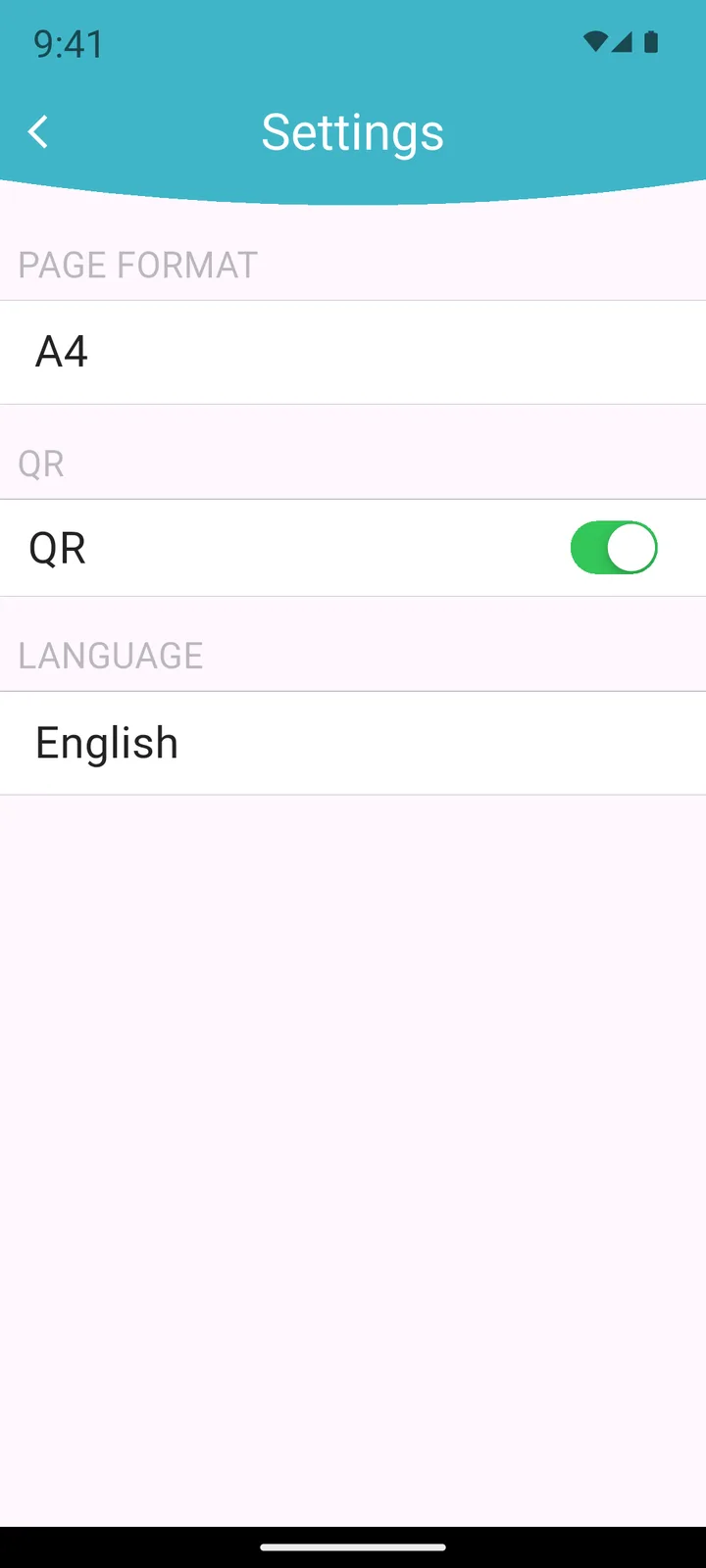
- PDF with live linksLinks inside the PDF are clickable. Letter, Legal and A4 page formats.
- Your data stays on your phoneNo account or sign-up. Your CVs are stored only on your device.
- 11 languagesDanish, German, English, Spanish, Catalan, French, Italian, Norwegian, Dutch, Portuguese and Swedish.
Screenshots
How it works
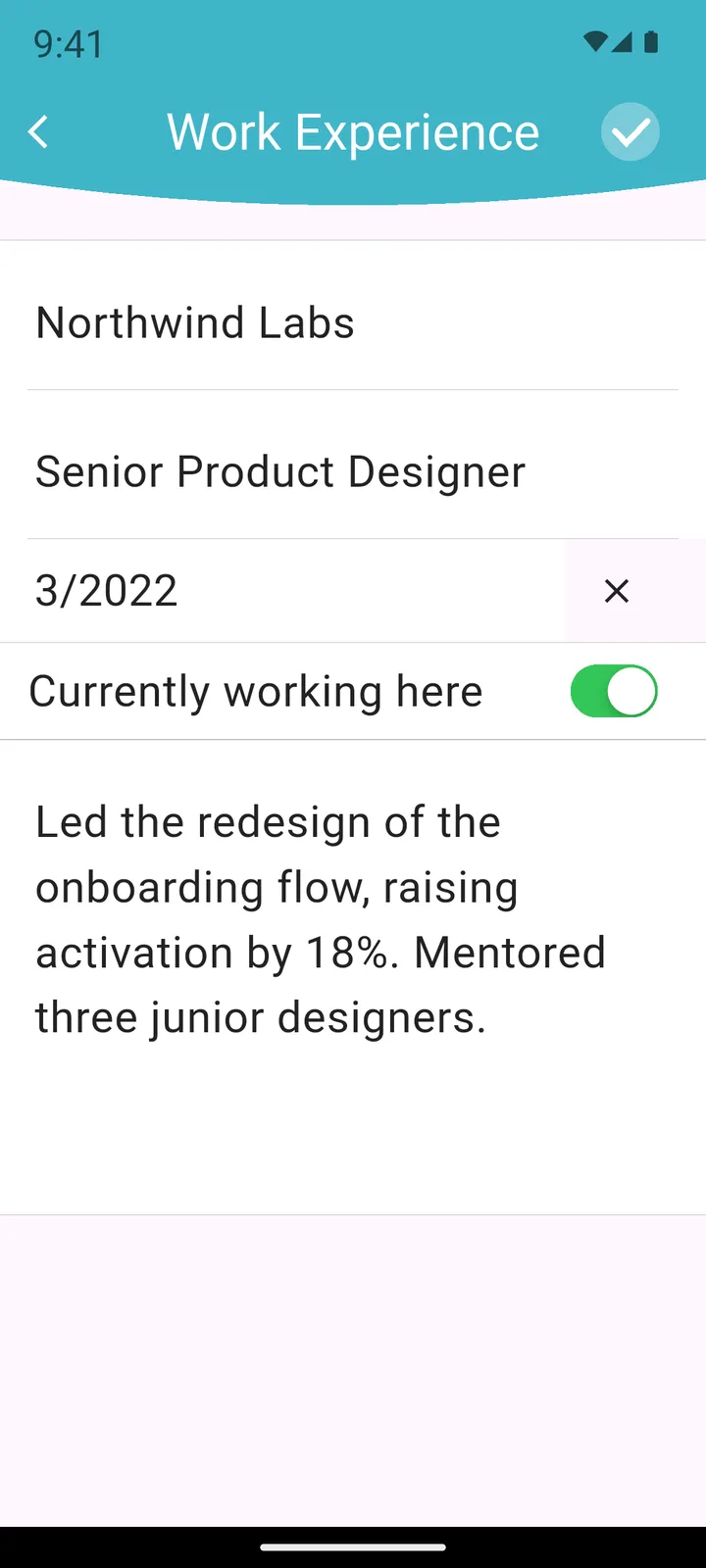
- Enter your experience, education and skills.
- Choose a template and its main color.
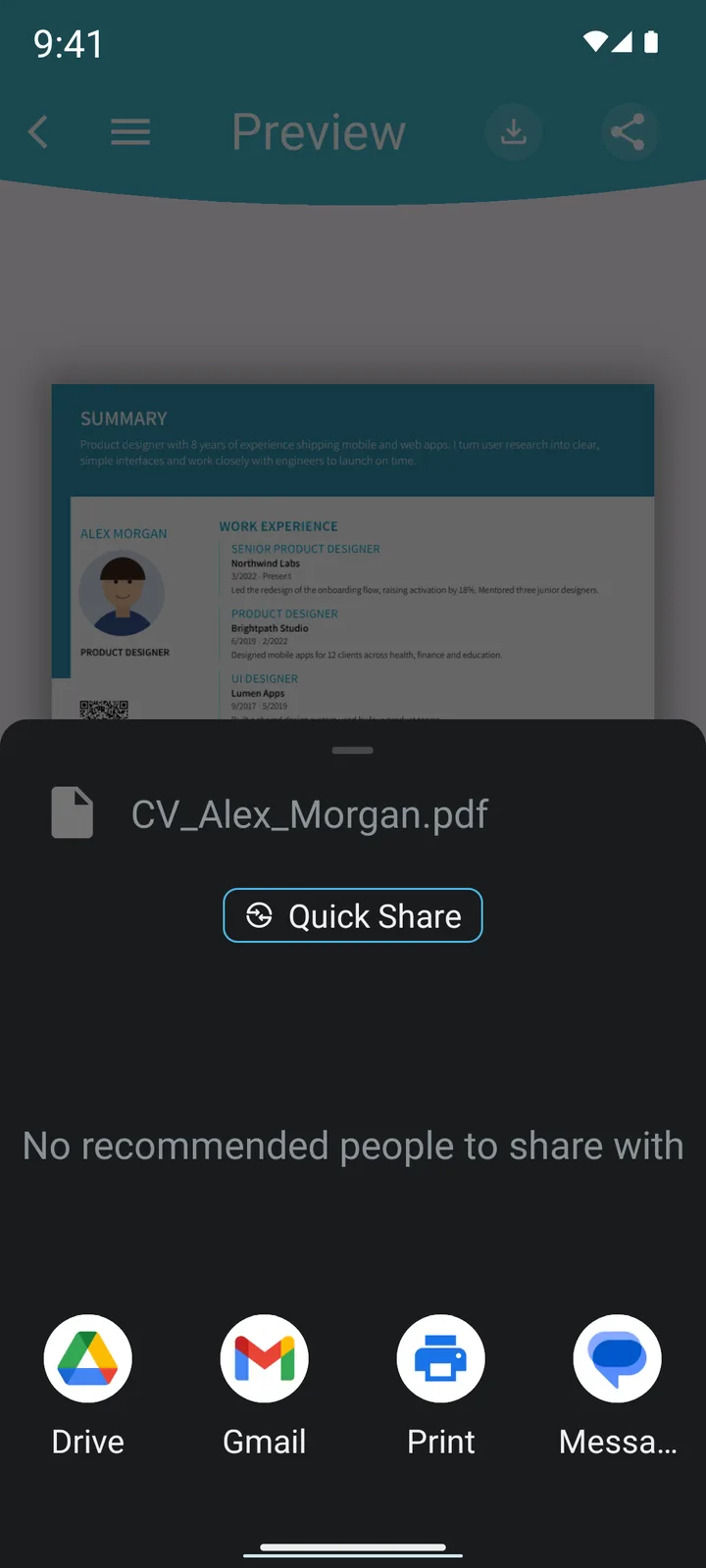
- Export the PDF or share it by email or with your favorite apps.
Free and Pro versions
The free version includes basic templates and sections, with ads. Pro unlocks more templates, more sections, unlimited profiles and CVs, and removes ads.
Frequently asked questions
Is CV Maker free?
Yes, you can download it for free and create your CVs as PDF. The free version includes basic templates and sections and shows ads. Pro is an optional in-app purchase.
Do I need to create an account?
No. There is no sign-up or login. Your CV data is stored only on your device.
Can I keep several resumes?
Yes. You can duplicate a CV to tailor it to each job and keep several profiles.
Where can I see how my data is handled?
In the app's privacy policy, linked below.
Related guides
Before you start, read our guides: how to write a CV and how to make it pass ATS filters.